
General journalAugust 2026
BalancedDescriptionAmount
Adobe Creative Cloud→ Software subscriptions
$52.99Delta Airlines→ Travel
$410.00Acme Co. - consulting→ Service income
$2,500.00Double-entry bookkeeping, automated
Leave the categorizing behind. Connect your accounts once, and let Bookkeep keep the ordinary work moving - while you stay in control of every exception.
14 days free · $39/month after · cancel anytime

Connect sources
Let routine run
Review with confidence
How it works
Bookkeep gives you a real accounting foundation without asking you to live inside another spreadsheet.
Import your QuickBooks history and link your bank and card accounts. Your existing structure comes with you.
Recognized merchants are categorized by learned rules and AI. No manual sorting at the end of the week.
When a transaction is genuinely ambiguous, you get a direct email - then Bookkeep remembers your answer.
The Bookkeep system
The source data, the recurring work, the decisions, and the reports all stay connected in a single set of books.
Migrate the chart of accounts and transaction history you already have. You do not start over, and you do not re-enter the past by hand.
Move off QuickBooks with confidence
Learned rules assign familiar merchants to the right accounts. A low-confidence transaction becomes a short question, not a silent best guess.
Send estimates and invoices, track vendor bills, and set up recurring billing - see what's due without moving the same number through three tools.
Keep cash in view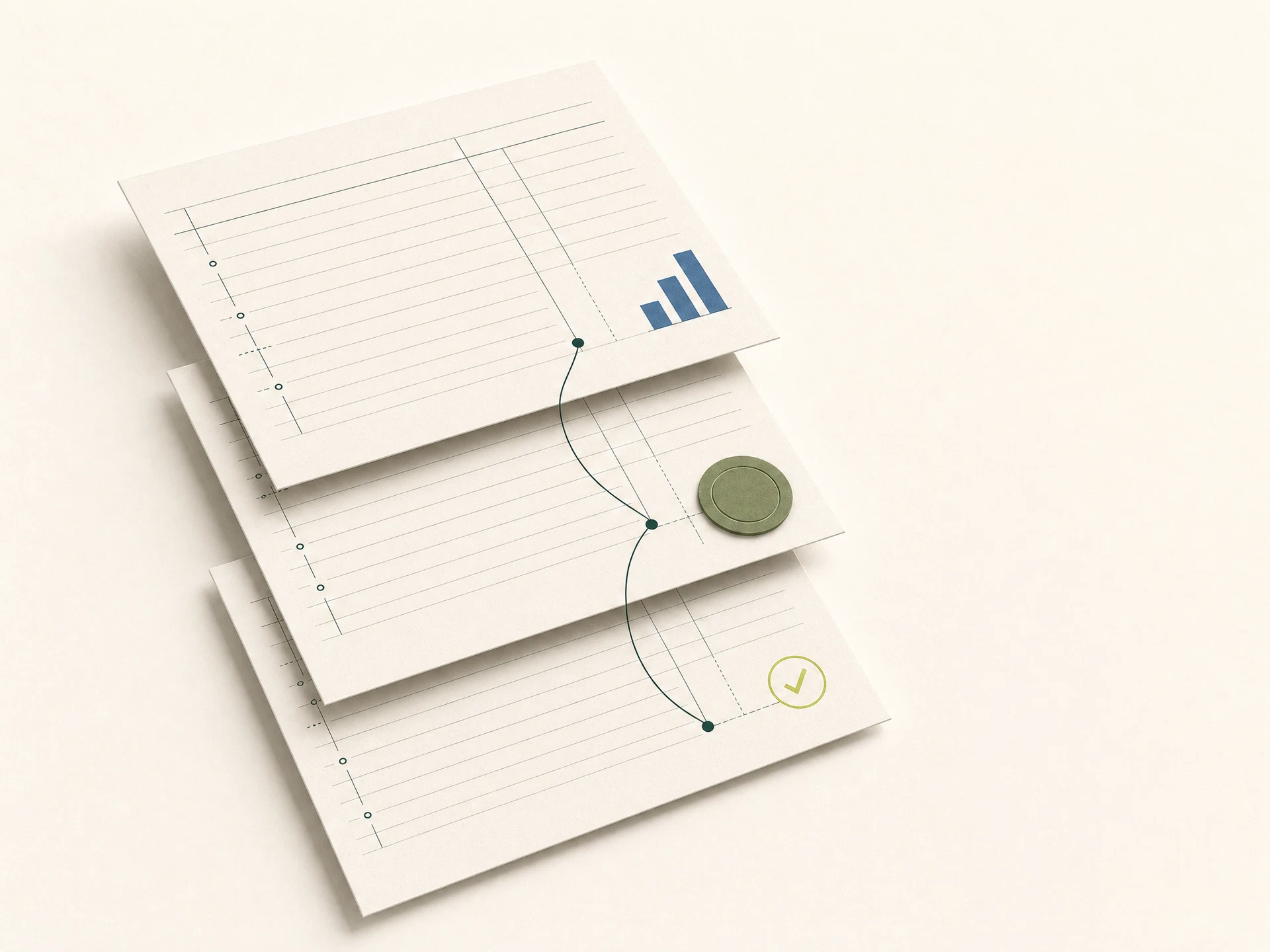
Your P&L, balance sheet, cash flow, AR/AP aging, and 1099 totals are calculated from the same balanced journal entries - not guessed from a dashboard summary.
Branded invoices and estimates, card and bank payments, and automatic sales tax calculation - money lands in your account while your books keep up.
See how invoicing fits in
One plan, full books
Simple enough to explain in one line.Bookkeep monthly
Everything you need to move from transaction to accountant-ready report, under one clear price.
Unlimited connections
AI-assisted categorization
Invoices, estimates & bill pay
Team access with roles
QuickBooks migration
Full financial reports
Questions, answered plainly
What Bookkeep does, what it does not do, and why the difference matters.
No. Bookkeep prepares the numbers - categorized expenses, P&L, balance sheet, and 1099 vendor totals - but actual filing (1099s, payroll tax, your annual return) still goes through your accountant or a certified e-file provider, the same way it works with any bookkeeping software.
They don't get silently guessed. You get a direct email with the likely categories - click one and Bookkeep remembers that merchant for every future transaction.
Yes - export your chart of accounts and transaction history from QuickBooks Online and import both directly. Nothing needs to be re-entered by hand.
No. $39 a month, a 14-day free trial to start, cancel anytime from your billing page.
A better way to close the day
Connect your accounts, bring your history, and see what calm financial routine feels like.
Start your free trial14 days free · $39/month after · cancel anytime